
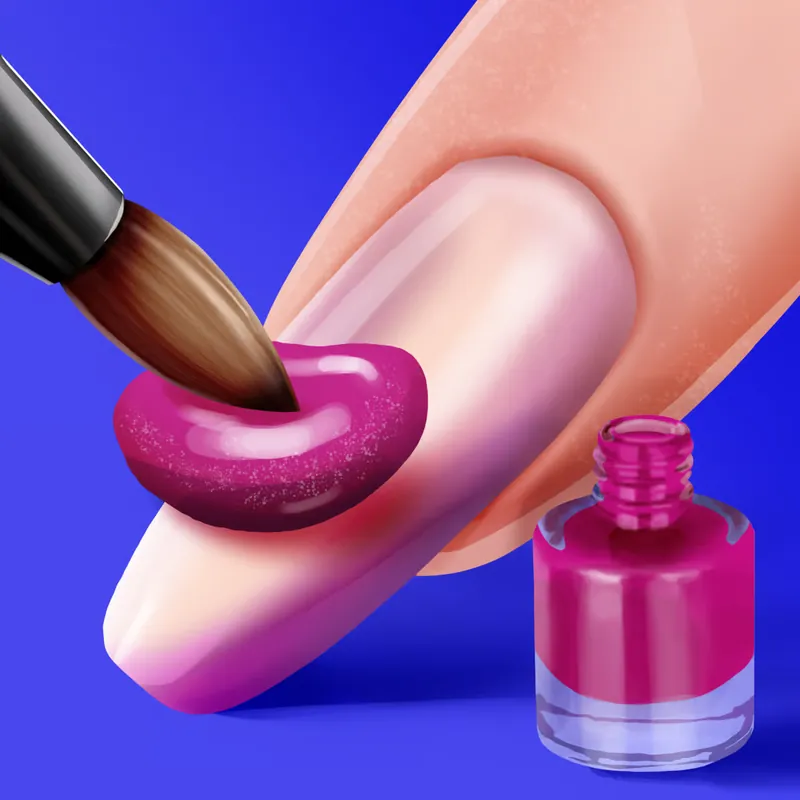
Nails DIY: Manicure Master
A manicure game where you pick a style, shape the nails, paint them and add stickers. It suits people who like colour and small, careful decisions.
Jolenvrask Vault team · updated 5 November 2026 · 3 min read
The essentials
- Genre
- Casual
- Made by
- WeLoPlay
- Devices
- Computer, phone and tablet
- Input
- Tap or click to choose; hold and drag to paint
- Session
- One manicure at a time; ten fingers' worth of steps
- Account
- No account needed on Poki
- Content
- Beauty and colour play, no combat
- Updated
- November 2026
From first tap to finish
You begin by choosing a style. Poki describes options such as cute, ocean-inspired and bright, so the look of the whole manicure starts with that first pick.
A full manicure has several layers of choice: the overall style, the shape and length of the nails, the polish, the stickers and finally the ring. Because the steps come in a sensible order, you rarely feel lost, and you can move back and forth between ideas until the hand looks right. Poki lists the game as released in July 2024 and updated in November 2026, and its page shows a rating of 4.3 from 739,674 votes. Those numbers are Poki's, quoted for context only. Next come the nails themselves. You set the shape and the length, then move on to polish. Polish ranges from solid colours to gradients, and some come with special effects. You tap or click to choose a colour, then hold and drag across the nail to paint it.
Stickers finish the design. When every finger is done you pick a ring, and the game takes a photo of the result. The photo is the payoff: it shows the full hand as a finished piece.
Key map
- Tap / click
- Choose polish, stickers, shapes and styles
- Hold and drag
- Paint the nail
Handy habits
- Decide on the colour story first. Choosing a style at the start helps keep all ten nails looking like a set.
- Paint with slow, steady drags. A hold-and-drag motion is easy to overshoot when you rush it.
- Try a gradient on one nail before using it on all of them. It is a quick way to see whether the effect suits your style.
- Save the stickers for last and use fewer than you think. A few well-placed ones read better than a crowded nail.
- Think about the ring before you start. The final photo shows the whole hand, so the ring is part of the design.
Made for
Anyone who enjoys colour, patterns and finishing a design. Because it uses taps and drags, it works well on a phone or tablet. This is a game for people who like to finish a design and look at it. It suits a short break, a quiet evening, or anyone curious about colour combinations. If you prefer fast action, competition or score chasing, you will likely find the pace too gentle.
What to expect, minus the shine
- Poki shows ads around its games, so expect interruptions between rounds.
- Painting by drag takes a steady hand, and it is easier with a mouse or a finger than a trackpad.
- The game is about styling. There is no scoring or challenge to work toward.
If you like this, try


Short answers
Is it free?
Yes. Poki lists it as free, with no download and no login.
Do I need to hold the mouse down to paint?
Yes. Poki describes painting as hold and drag, and choosing as tap or click.
Does the game really take a photo?
Poki's description says you take a photo of the finished result at the end.
Over to Poki
The game opens on poki.com, a separate site. Jolenvrask Vault does not host or run it.
Open Nails DIY: Manicure Master on Poki →


